This page gives an overview over the available interfaces which control OpenFlippers User interface.
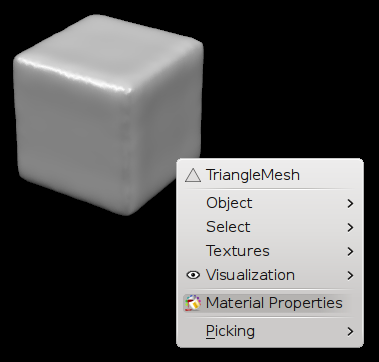
Add context menu entries in your plugin. ( Context Menu Interface )
Logging Interface
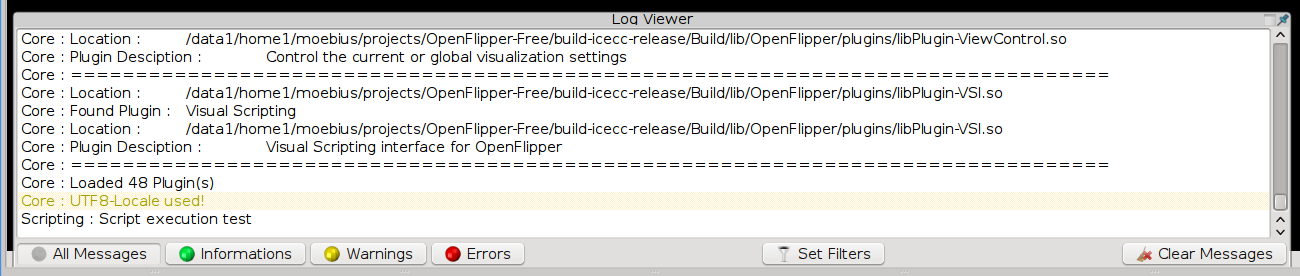
This is an Interface for Logging to the included log widget. You can log to different levels (LOGOUT,LOGWARN,LOGERR,LOGINFO) ( Logging Interface ).
Menu Interface

Provides a function to create entries in the menubar ( Menu Interface ).
Options Widget Interface
This Interface is used by plugins which will provide their own options by integrating an options widget into OpenFlipper's options window ( Options Widget Interface ).
Picking Interface/Mouse Picking/Pick Mode Toolbars

Handle pick modes in your plugin ( Picking Interface/Mouse Picking/Pick Mode Toolbars )
Statusbar Interface

This interface is used to display messages in the status bar or adding widgets to it ( Statusbar Interface ).
Toolbox Interface

Provides functions to create a separate widget in the toolbox on the right ( Toolbox Interface ).
Toolbar Interface

Provides a function to add toolbar buttons. ( Toolbar Interface )

Specify own view modes setting which toolboxes/toolbars/context menus will be visible( View Mode Interface )
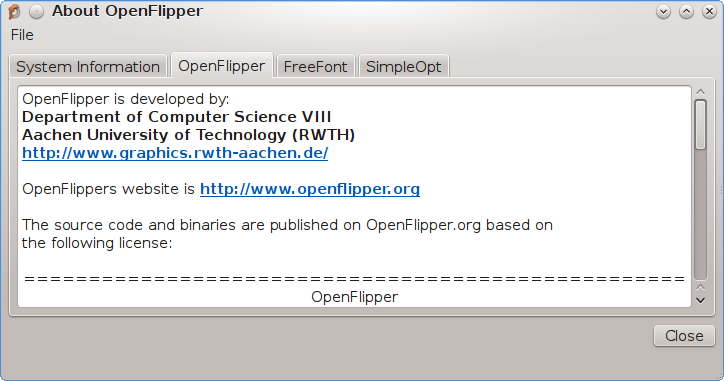
Add own information to OpenFlippers abouot dialog
